Kitchen queues, paid orders and preparation status
Branch opening hours and table reservations where supported
Pickup and approved own-team or Baroow delivery
Team access by role and branch
GETTING STARTED
From sign-up to your first order.
01
Set up your restaurant
Add menus, branches, hours and staff. Baroow reviews your business and licence.
02
Take orders and bookings
Paid orders arrive in Host Mode; table requests in Reservations.
03
Grow with insight
See sales, menu, delivery and reviews. Add Growth Plus if you want more.
Friday dinner rush
Orders on the kitchen tablet
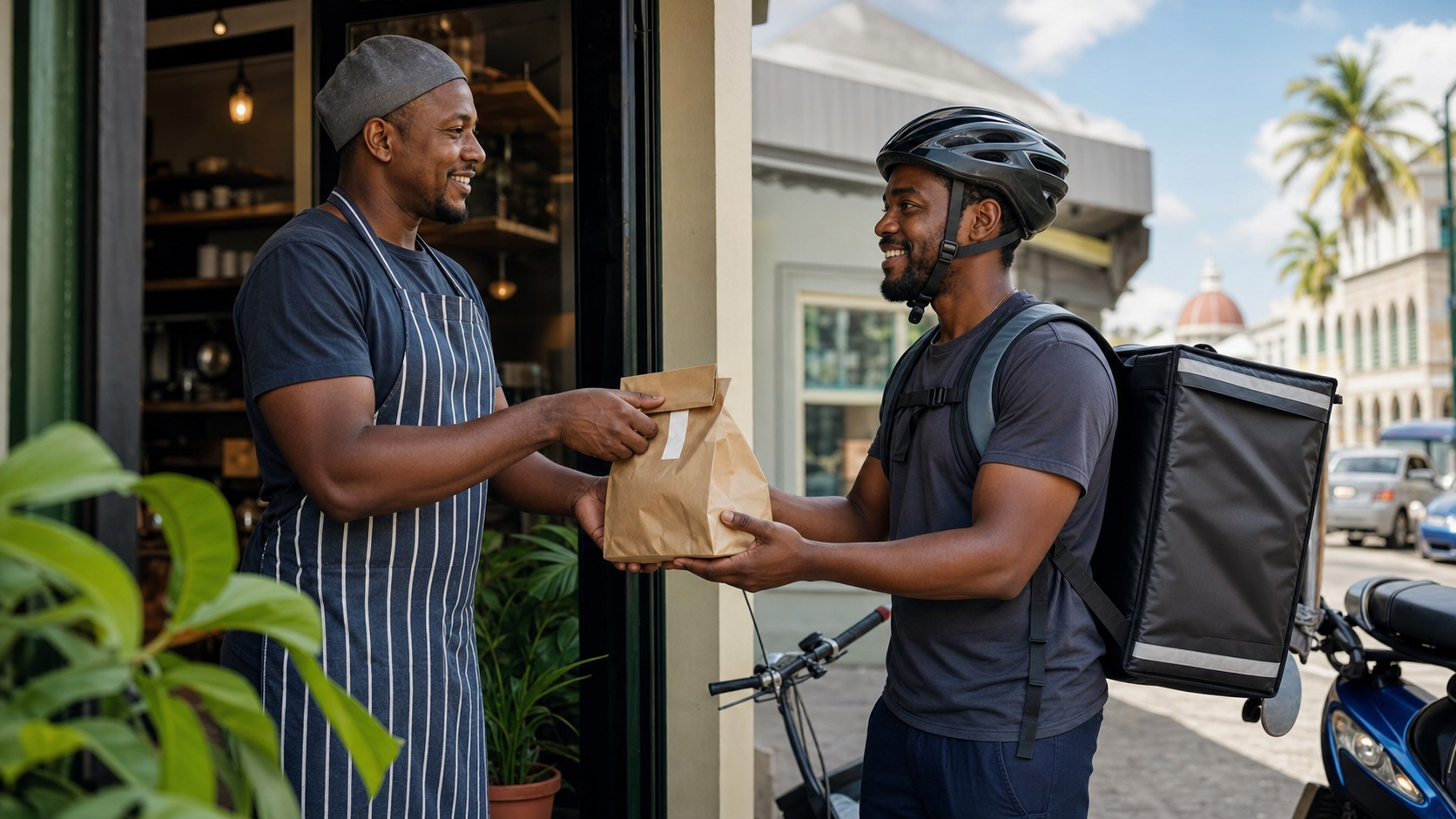
Riders paged when food is ready
Reservations in one list
GOOD TO KNOW
Only payment-confirmed orders reach your queue.
Growth Plus trials need no card and never convert automatically.
Fees for your market are shown before you activate.
Questions from restaurants
Can I use my own riders?
Yes. Your riders need approved insurance evidence before they deliver.
What's included free?
Business insights: sales, orders, menu, delivery, reviews and exports. Growth Plus is optional.
Can staff have their own access?
Yes. Invite them by role and branch.
When do I get paid?
Payout timing depends on your market, payment method and completed checks. Review the payout terms during onboarding and follow each payout in Finance.
How does my business apply?
Start an application for your business type and market. Add business and branch details and the registration, tax or current licence evidence requested. Prepare a draft first; identity is checked at final review where required. Approval is needed before activation.
Where do I manage orders and staff?
Use your service’s Host Mode and Vendor Portal for supported catalogue, stock or menu tools, incoming orders, fulfilment, opening hours and branch-level team access.
Can I offer pickup or my own delivery?
Eligible branches can offer pickup or an approved delivery team. Baroow delivery is an option only where enabled for the market and branch.
When does a paid order reach my business?
A digitally paid order reaches your business after payment is confirmed. Do not collect cash or ask a customer to pay again for an already-paid digital order.
What fees and payout terms apply?
The application and workspace show the commission, fulfilment responsibilities and applicable terms before activation. Check deductions, payout requirements and current payout status separately from order completion.
Can I prepare my details before identity verification?
Prepare and save your details first. Where identity verification is required for your market, complete it at final review before submitting. Valid account verification can be reused; further checks may be needed if it expires or your details change. Listings still need approval before publication.
How long does approval take?
Timing depends on the required checks and any corrections or additional information needed. Follow your listing or application status; no fixed approval time is promised.
How do document uploads work?
Upload clear, current documents requested for your role and market. Where automatic reading is available, review the extracted details and correct missing or flagged information. Baroow reviews the evidence; an upload is not approval.
Ready when you are.Register your interest. Tell us what you offer and where you operate, so we can follow up as applications open.
Business details, your menu and allergen information, branches, opening hours and fulfilment options.
The application shows the exact checks, documents and any fees for your role and market. For services with payouts, review the payout terms before accepting orders or bookings.